AI Mind Reset: Digital Stress Relief for Calm Focus
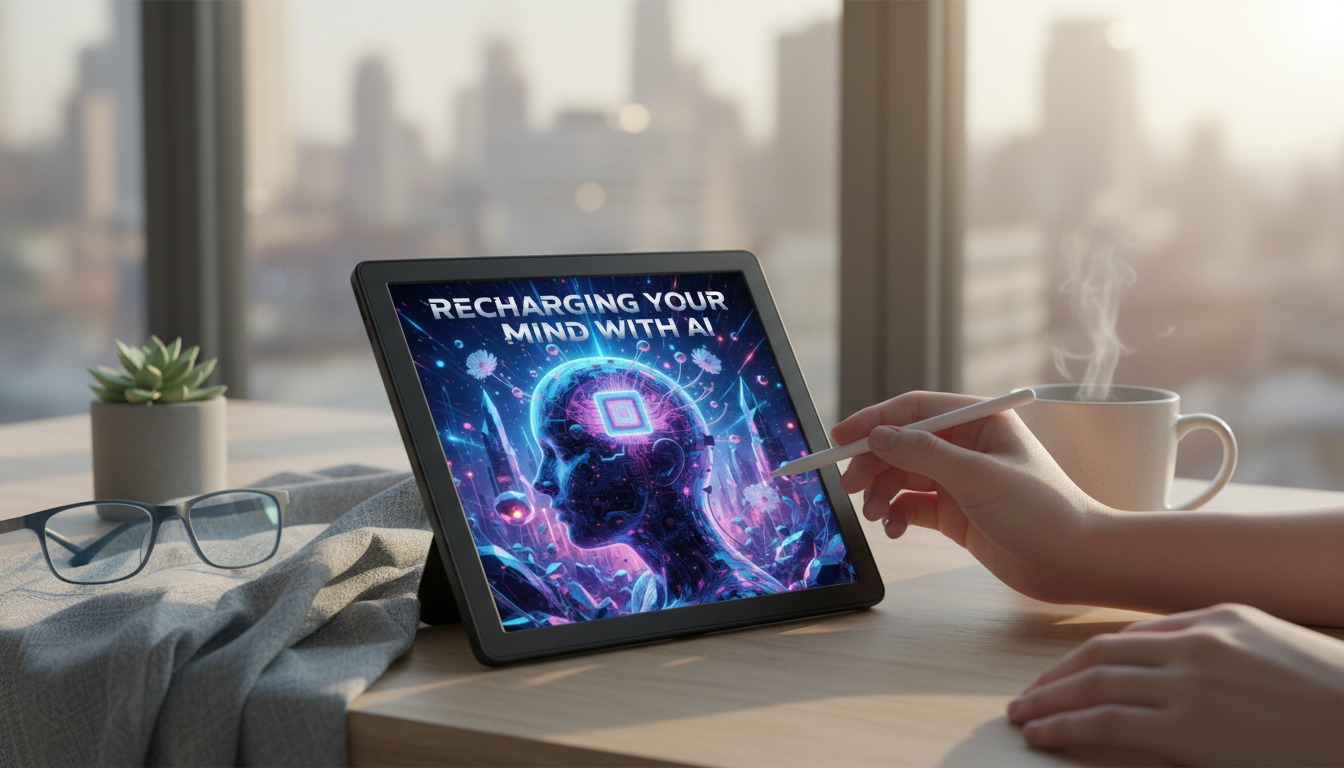
Recharging Your Mind with AI: A Digital Stress-Relief Guide for Calm Focus and Everyday Peace
Constant notifications, decision fatigue, and long hours on screens can leave the mind feeling scattered and depleted. A practical digital reset pairs mindfulness with simple AI-assisted routines to reduce overwhelm, strengthen focus, and support steady mental wellness—without requiring major lifestyle changes. The goal isn’t to add more tech to your day; it’s to use short, intentional check-ins that lead you back to offline calm.
Why digital stress feels so exhausting
Digital stress is uniquely draining because it pulls attention in too many directions at once, often without a clear stopping point. The result is a mind that’s “on” all day, even when the body is trying to rest.
- Attention overload: Frequent context switching increases mental strain and makes it harder to return to deep focus.
- Always-on pressure: Messages and news cycles can create a persistent sense of urgency, even during downtime.
- Sleep disruption: Late-night scrolling and bright screens can interfere with wind-down routines and sleep quality. The National Sleep Foundation notes that screen use near bedtime can impact sleep by increasing alertness and light exposure (source).
- Emotional drain: Comparison loops, conflict content, and doomscrolling can elevate stress and reduce resilience. The American Psychological Association describes how stress affects the body and can compound over time (source).
- Early signals to notice: Irritability, brain fog, procrastination, low motivation, jaw/neck tension, and difficulty relaxing.
What an AI-supported reset looks like (without adding more screen time)
An AI-supported reset works best when it stays small and structured: quick check-ins that reduce mental clutter, followed by an offline action. Think of AI as a guide that helps you decide what to do next—then you close the device and do it.
- Use AI as a guide, not a constant companion: Short check-ins (1–5 minutes) to plan, reflect, or reframe.
- Automate small friction points: Reminders for breaks, simplified to-do lists, and quick decompression cues.
- Create a single calming hub: One note or chat thread that stores grounding exercises, affirmations, and routines.
- Prefer low-stimulation formats: Text-based scripts, audio breathing timers, and minimal notifications.
- Set boundaries that protect recovery: Fixed “offline pockets,” app limits, and no-phone zones (bedroom, meals).
AI-assisted habits that support calm and focus
| Goal | 2-minute AI prompt | Low-effort follow-through |
|---|---|---|
| Settle the nervous system | “Give a 2-minute breathing script for calming down after intense screen time.” | Follow the timer; shoulders down; exhale longer than inhale |
| Reduce overwhelm | “Turn this messy task list into 3 priorities and a 25-minute focus block.” | Start a single 25-minute timer; silence notifications |
| Interrupt rumination | “Rewrite this stressful thought into a balanced, compassionate perspective.” | Read the reframe out loud once; return to one next action |
| Build mindful breaks | “Suggest a 3-minute micro-break away from screens I can do at my desk.” | Stand, stretch, look at a distant object, drink water |
| Evening wind-down | “Create a 10-minute bedtime decompression routine with no phone.” | Prepare next-day essentials; dim lights; short body scan |
Core skills: calm, focus, and mental wellness fundamentals
Tools work better when they’re built on a few repeatable skills. These are the fundamentals that make digital stress-relief feel natural rather than forced.
- Nervous system cues: Learn to spot when the body is shifting into fight/flight (tight chest, shallow breathing) and apply a quick downshift tool.
- Mindfulness basics: Anchor attention on breath, sound, or sensation; return gently when the mind wanders. Research summarized by the National Center for Complementary and Integrative Health supports mindfulness and meditation as helpful for stress and well-being for many people (source).
- Cognitive offloading: Reduce mental load by externalizing tasks into a short list with clear next steps.
- Healthy attention design: Batch communication, use do-not-disturb, and reserve the first 30 minutes of the day for priorities.
- Self-compassion as a focus tool: Treat lapses (scrolling, procrastination) as signals to reset, not reasons for self-criticism.
A simple daily routine: morning clarity, midday reset, evening release
Morning clarity (5–10 minutes)
- Define one meaningful outcome, one must-do, and one self-care action.
- Keep the plan visible (paper note, sticky note, or one pinned note).
- Pair the habit with something consistent. A predictable routine—like brushing with a Rechargeable Sonic Electric Toothbrush with USB Charging & Replacement Heads—can be a cue to take 30 seconds of slow breathing before the day starts.
Before a focus block (2 minutes)
Midday reset (3–7 minutes)
Evening release (10 minutes)
Using the mindfulness eBook as a guided practice toolkit
When mental energy is low, the hardest part is deciding what to do. A guided toolkit reduces decision fatigue by making the next step obvious and repeatable. The Recharging Your Mind with AI – Digital Stress Relief Guide for Calm, Focus & Mental Wellness is designed to support calm focus with simple, reusable practices.
Safety, privacy, and healthy boundaries with AI tools
FAQ
How fast can a digital stress-relief routine improve focus?
Small changes can show up within days, like smoother transitions between tasks and fewer “spirals” after distractions. Stronger focus tends to build over a few weeks when micro-breaks, reduced multitasking, and consistent boundaries become routine.
Can AI-based mindfulness help with anxiety and overwhelm?
It can support calming routines like breathing guidance, thought reframing, and journaling structure, which may reduce feelings of overwhelm. It’s not a substitute for therapy or medical care, especially if anxiety is persistent or worsening.
How can screen-based tools reduce stress without increasing screen time?
Use short, intentional check-ins (1–5 minutes) and keep notifications minimal, then immediately do an offline follow-through step like walking, stretching, or a breath practice. The stress relief comes from what happens away from the device, not from staying on it.






Leave a comment